The new XactInsights home page
 Updated
by
Mara K
Updated
by
Mara K
XactInsights has a refreshed home page with a left-side navigation panel that replaces the previous top navigation ribbon, making it faster to access reports and common reporting tools. Use this article to learn what changed and where to find key features, including answers, liveboards, and Search.
Open XactInsights
- From within XactAnalysis, select Reports.
- Select XactInsights.
Navigate the new home page
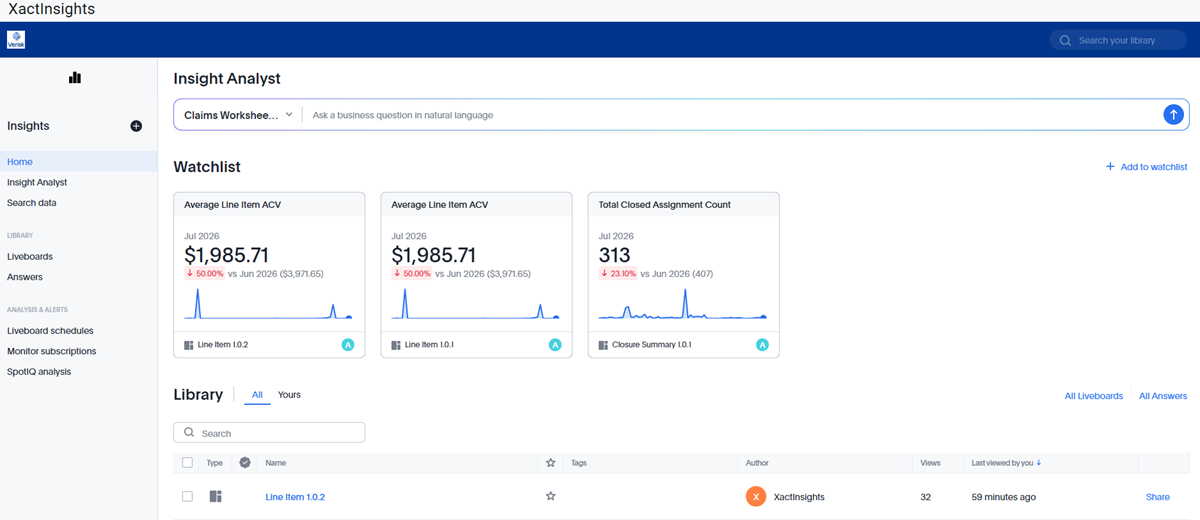
Watchlist
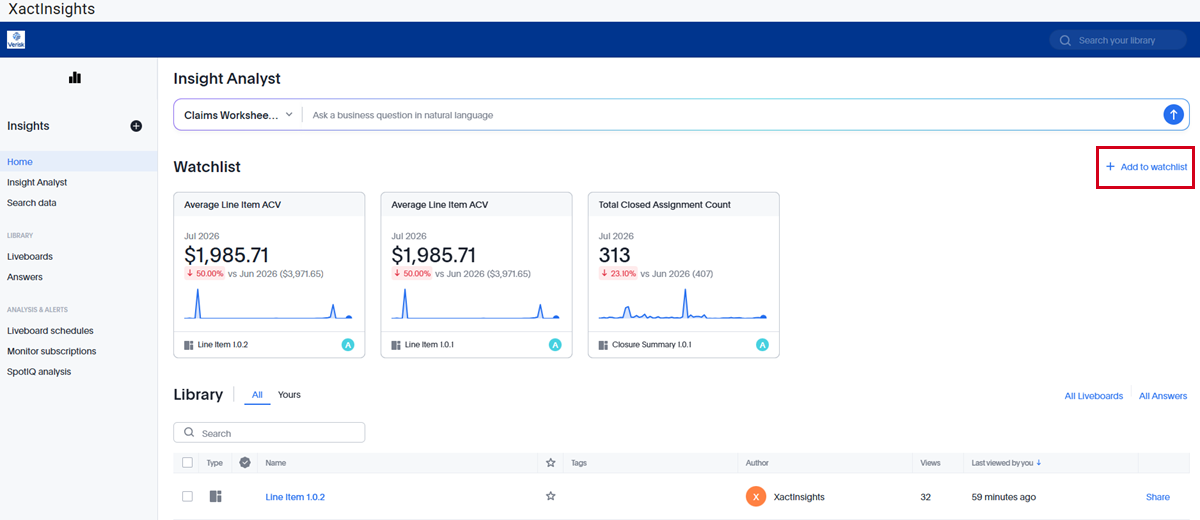
The Watchlist allows you to keep track of KPIs from your answers and liveboards from the XactInsights home page. You can add new KPIs by selecting + Add to watchlist.
Library
The Library is located under the Watchlist. It contains all the liveboards and answers visible to you in XactInsights.
Insight Analyst
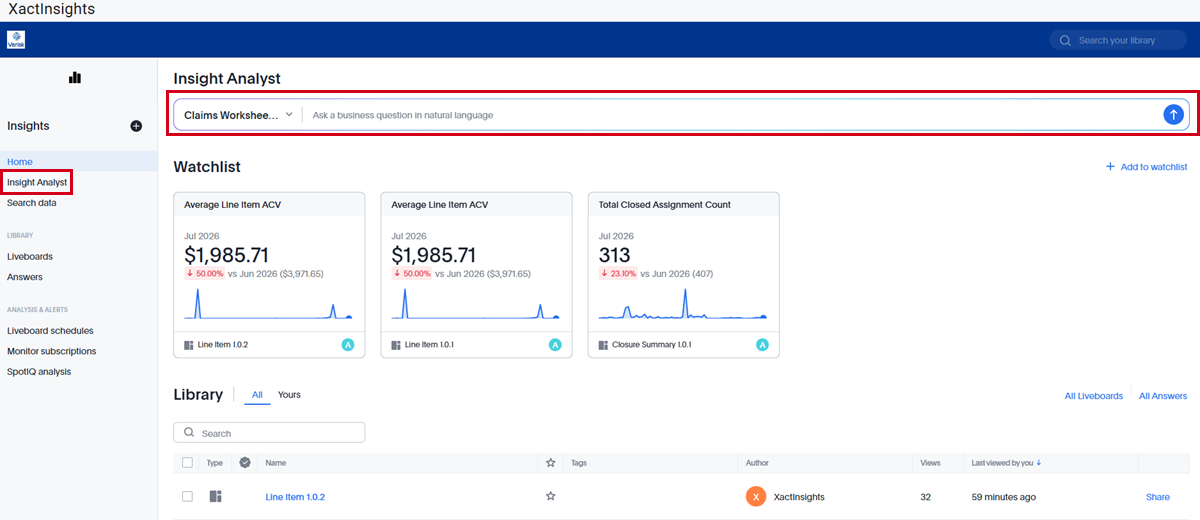
You can access Insight Analyst from either the navigation panel on the left or from the search bar above the Watchlist.
Search data
Selecting Search data from the navigation panel takes you to the XactInsights Search page.
Liveboards
Selecting Liveboards from the navigation panel takes you to the Liveboards page.
Answers
Selecting Answers from the navigation panel takes you to the Answers page.
Liveboard schedules
Selecting Liveboard schedules from the navigation panel takes you to the Liveboard schedules page.
Monitor subscriptions
Selecting Monitor subscriptions from the navigation panel takes you to the Monitor subscriptions page, where you can see alerts from KPIs that you’ve subscribed to.
SpotIQ analysis
Selecting SpotIQ analysis from the navigation panel takes you to the SpotIQ analysis page, where you can see the results from any SpotIQ analyses performed on your Answers.